
Note: this page is a practical overview, not legal advice. Which details apply to your products is best confirmed with your trade association, a legal adviser or the competent market surveillance authority.
What is the GPSR?
The General Product Safety Regulation (EU) 2023/988 – GPSR for short – has applied in all EU countries since 13 December 2024. It covers consumer products sold in the EU, in shops as well as online. A key point for sellers and manufacturers: who is responsible for the product must be identifiable on the product itself.
Which details belong on the product?
- the manufacturer's name or trade mark,
- the manufacturer's postal address,
- an electronic means of contact, e.g. email address or website,
- if the manufacturer is based outside the EU: the responsible person in the EU with address and contact details,
- an element to identify the product, e.g. type, model, batch or serial number.
The details should be on the product. Where size or nature of the product doesn't allow this, they may be given on the packaging or in an accompanying document. For many sellers a small, cleanly printed label is the simplest solution.
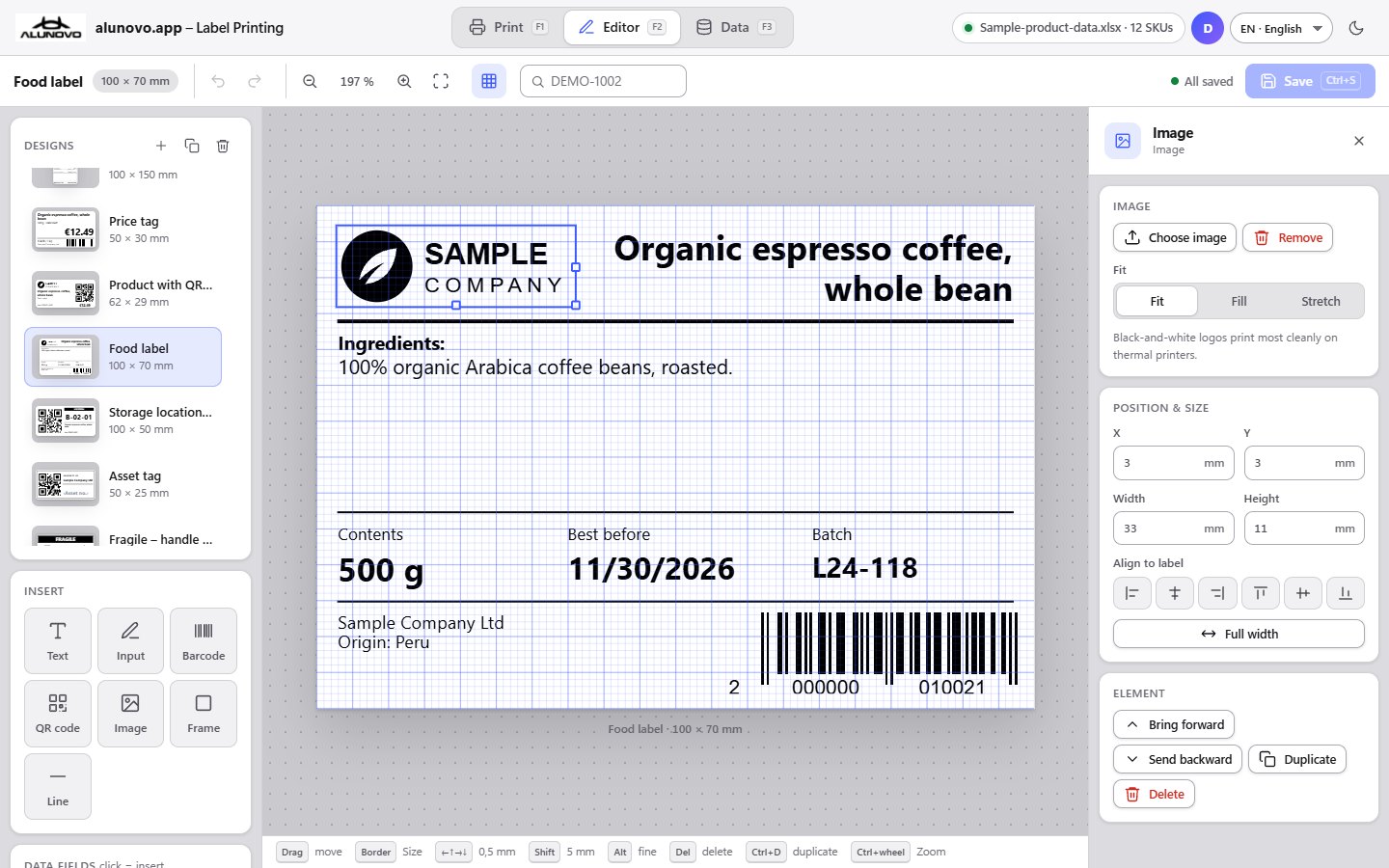
GPSR labels with alunovo.app
- Enter your company details: under Account & company, add your company name and address. They are then available on every label as
{{FIRMA}}and{{ABSENDER}}. - Open the "Manufacturer details" template: every new account gets it ready-made at 57 × 32 mm – with model/SKU, manufacturer, address and product title. Add email or website in the editor and, if needed, the responsible person in the EU.
- Product data from Excel: item number, title or batch come from your product list. For third-party manufacturers, add your own columns such as
{{Manufacturer}}and{{ManufacturerAddress}}. - Print it along with your other labels: select the GPSR label together with your product label. Item number and quantity – and both print at the same time.
Own products and third-party products
| Situation | Typical setup in alunovo.app |
|---|---|
| You are the manufacturer | Your company details from Account & company as a fixed manufacturer block, plus SKU or batch from Excel. |
| You sell products from several manufacturers | Manufacturer, address and contact as columns in your product list – each label automatically shows the right manufacturer. |
| Manufacturer outside the EU | Extra columns for the responsible person in the EU, shown as a separate block in the design. |
| Batch or serial numbers | An input field {{Eingabe:Batch}} that is filled in when printing. |
Tips for readable manufacturer labels
- Don't choose a font size that's too small – the details must be easy to read.
- Use a slightly larger format for longer addresses, e.g. 57 × 32 mm or 70 × 40 mm.
- For products that are washed, chilled or used outdoors, print on durable material (thermal transfer with ribbon).
Frequently asked questions
Since when does the GPSR apply?
Regulation (EU) 2023/988 has applied since 13 December 2024 to consumer products placed on the EU market.
Does the label have to be on the product itself?
In principle the details should be on the product. Where that isn't possible, they may be on the packaging or in an accompanying document. If in doubt, check with an expert for your product category.
Can I print a different manufacturer for each item?
Yes. Add manufacturer and address as columns in your spreadsheet. The label then automatically shows the right details for every item number.
Which printers can I use for GPSR labels?
Zebra, TSC, Xprinter and Munbyn printers print directly; Brother, Dymo and all other printers print through their Windows driver.